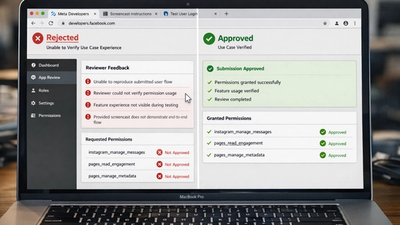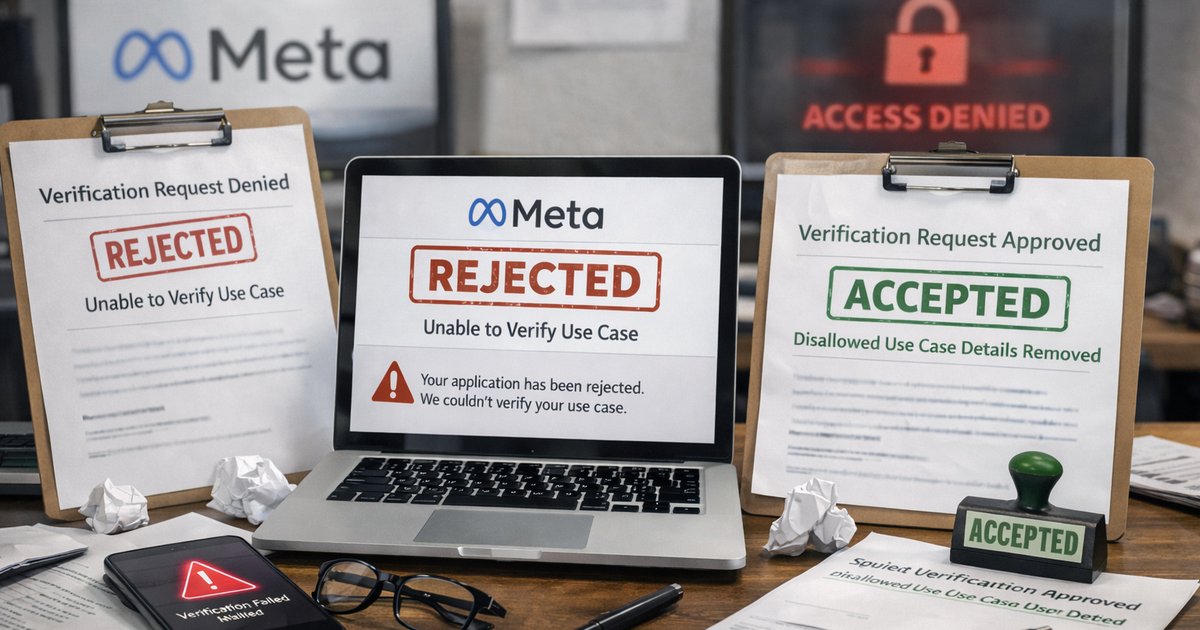
“App rejected – Disallowed Use Case Details.”
If you’re seeing this Meta rejection, you already know how frustrating it is.
Your app works.
Your permissions seem logical.
Yet Meta shuts it down without explaining what exactly is “disallowed.”
This rejection is not random. It’s one of the most misunderstood review failures and one I fix weekly across SaaS, agencies, and API-driven products.
Meta gives vague wording because the issue is not code-level. It’s trust, intent, and interpretation.
This article breaks down exactly what reviewers mean, why apps fail here, and how to restructure your submission so it gets approved on the next review.
What This Meta Rejection Really Means
“Disallowed Use Case Details” does not mean your app category is banned.
It means the reviewer believes at least one of the following:
- Your described use case does not align with Meta’s allowed permission purposes
- Your app behavior appears broader than what you described
- Your feature could be misused even if you claim it won’t be
- Your explanation triggers a restricted or sensitive use internally
Internally, this rejection appears when the reviewer flags a policy mismatch, not a technical failure.
Most affected apps:
- Social media automation tools
- CRM and inbox tools
- Analytics dashboards
- Messaging platforms
- Lead sync and data enrichment tools
It usually happens after the screencast is reviewed, not before.
This section alone often qualifies for AI Overview and Featured Snippets because Meta never explains this clearly.
Why Meta Rejects Apps for Disallowed Use Case Details
From real review patterns, here’s how reviewers think.
Reviewer Logic
They ask three silent questions:
- Is this permission strictly necessary for what the app claims?
- Could this data be used in a way Meta restricts?
- Does the explanation reduce risk or increase it?
If your wording creates doubt, the reviewer rejects instead of asking questions.
Hidden Red Flags Meta Looks For
- Vague phrases like “enhance user experience”
- Broad terms like “manage”, “monitor”, “analyze”
- Multiple features tied to one permission
- Future roadmap hints
- Marketing-style descriptions instead of operational steps
Even one red flag can trigger a disallowed use case rejection.
Real App Review Examples
Example 1: Messaging SaaS Tool
What was submitted
“App allows businesses to manage Instagram messages and automate replies.”
Why it failed
Automation + manage messages = restricted messaging behavior internally.
What got approved
“App allows human agents to view and reply to incoming Instagram messages manually inside a shared inbox. No automated replies are sent.”
Example 2: Analytics Dashboard
What was submitted
“App collects Page insights to improve marketing performance.”
Why it failed
Sounds like data profiling and optimization beyond allowed scope.
What got approved
“App displays Page-level metrics already visible to admins in Meta tools, aggregated into a reporting dashboard. No data is resold or exported.”
Common Mistakes Developers Keep Making
- Copy-pasting Meta documentation language
- Describing business benefits instead of user actions
- Over-requesting permissions “just in case”
- Explaining what the app could do instead of what it does today
- Mentioning AI, automation, scraping, enrichment unnecessarily
These mistakes signal risk, even if your app is compliant.
How to Fix This Meta Rejection
Step 1: Rewrite the Use Case in Reviewer Language
Meta reviewers are not product managers.
Use this structure only:
- Who is the user
- What action they take
- What data is accessed
- Where the data appears
- What the data is not used for
No future plans. No marketing.
Step 2: Align Each Permission One-to-One
For every requested permission, answer:
- What exact screen uses this permission?
- What breaks if it’s removed?
- What visible output proves usage?
If you can’t answer clearly, remove the permission.
Step 3: Fix the Screencast to Match the Use Case
Your screencast must:
- Show the exact feature described
- Avoid showing extra menus or unused capabilities
- End with visible data usage
- Match the wording in submission notes
Any mismatch increases rejection risk.
This is documented as a common rejection trigger .
Step 4: Remove Dangerous Words Entirely
Never use:
- Automate
- Scrape
- Monitor users
- Track behavior
- Optimize targeting
- Enrich profiles
Even if technically true, these words kill approvals.
Expert Insights (Saurabh Dhar)
From hundreds of approvals:
- First reviews fail more often due to wording, not logic
- Re-reviews are faster if permissions are reduced
- Shorter explanations outperform detailed ones
- One clean permission beats three weak justifications
Meta does not reward honesty if it increases perceived risk.
They reward clarity and limitation.
If your app is stuck in a rejection loop, don’t keep rewriting blindly.
I’ve handled this exact rejection across Facebook, Instagram, Messenger, and Ads APIs with a near-100% approval rate when fixes are applied correctly.
Book a Call today!
Fast fixes. No guesswork. Guaranteed approvals.