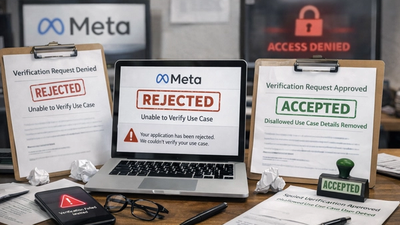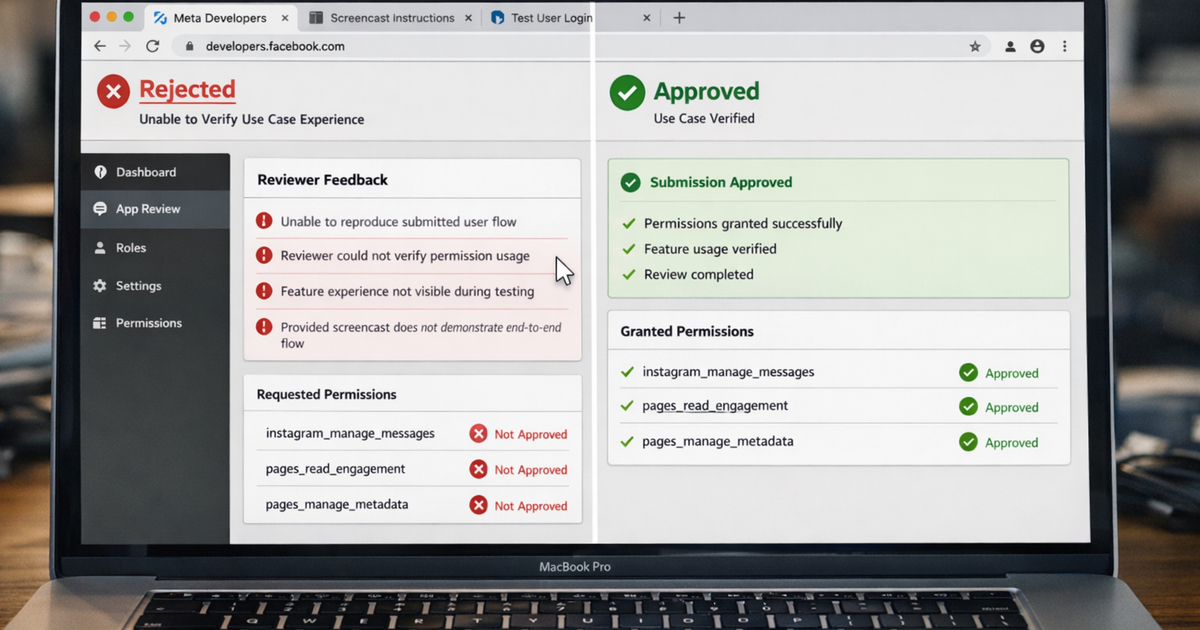
If you’re seeing “App rejected – Unable to verify use case experience in app”, it means Meta reviewers could not reproduce what you claimed your app does.
This is one of the most common Meta rejection reasons I see with SaaS founders and developers building on the Meta ecosystem.
Your app may work perfectly in production.
Your permissions may be correct.
But if reviewers cannot see, follow, and verify the use case during testing, approval stops.
In this guide, I’ll explain:
- What this rejection actually means
- Why Meta reviewers fail verification
- How to fix it step by step and get approved
Why Does Meta Say “Unable to Verify Use Case Experience in App”?
Short answer: reviewers couldn’t reproduce the user flow you described.
During review, Meta follows strict verification steps. Reviewers do not infer intent, debug issues, or explore beyond your instructions.
If the use case cannot be verified exactly as submitted, the app is rejected.
What Policy Is This Rejection Based On?
This rejection maps to:
Developer Policy 1.6 – Build a Trustworthy Product
“The submitted screencast fails to demonstrate the end-to-end experience of the use case described in the submission notes.”
This is not a feature rejection.
It is a proof failure.
What Meta Reviewers Actually Try to Verify
Immediately after login, reviewers check:
- Can I log in exactly as instructed?
- Can I grant the requested permission?
- Can I see the feature using real data?
- Does the experience match the submission notes?
If any step breaks, verification fails.
Real-World Reasons This Meta Rejection Happens
Most common causes I see:
- Screencast skips the Meta login flow
- Permission grant screen is not shown
- Use case shown ≠ use case written
- Server-to-server apps don’t explain missing UI login
- Test user does not reproduce the same flow
- Feature works only for admin accounts
Even small mismatches lead to rejection.
Common Mistakes to Avoid
- Showing a partial flow instead of end-to-end
- Using demo or placeholder data
- Assuming reviewers know your product
- Providing unclear or outdated test credentials
- Writing long explanations instead of showing actions
These mistakes directly trigger Meta rejection.
How to Fix Meta Rejection: Unable to Verify Use Case
Follow this exact process:
- Rewrite your use case in one clear sentence
- Record a new screencast from start to finish
- Meta login
- Permission grant
- Feature usage
- Use a fresh test user that matches the video
- Show real identifiers
- Page name
- Instagram username
- Account ID
- Align submission notes with what’s shown on screen
- Re-submit without changing unrelated features
This approach fixes most verification failures.